Guides · YouTube · Twitch
How to Save YouTube Live Chat and Twitch Chat Logs
By Yaseen Khatib · October 23, 2026
To save chat from a stream that already happened, download it from the stream's chat replay with a chat downloader — while the video or VOD still exists. To keep chat from every future stream, record it live as it arrives. Those are two different jobs, and which one you need decides the tool. Both are covered below, for YouTube and Twitch.
Saving chat from a past stream
Past chat lives in the replay attached to the stream's video:
- YouTube keeps live chat replay on the stream's video, as long as the video is still up and chat replay was enabled.
- Twitch keeps chat alongside the VOD, but VODs are only stored for a limited time. When the VOD is deleted or expires, its chat replay goes with it — so save anything you care about soon after the stream.
Option A: a free command-line downloader
chat-downloader is a free, open-source Python tool that pulls chat from YouTube streams and Twitch VODs without a login.
- Install Python, then run
pip install chat-downloader. - Run the tool with the stream's URL and an output file, for example:
chat_downloader https://www.youtube.com/watch?v=VIDEO_ID --output chat.json
- Open the file in a text editor, or convert it to a spreadsheet.
It works for public replays. If a stream is private, deleted or its VOD has expired, there is nothing left to download.
Option B: a web tool
If you'd rather not install anything, web tools such as Streams Charts' chat logs downloader export a public replay's chat to a file from a pasted link. Check each tool's limits and terms before relying on it for something important.
Saving chat from every future stream
Downloading after the fact has two problems: you have to remember to do it, and it fails once the replay is gone. The reliable fix is to record chat while you are live, so every message is written to your own disk as it arrives.
Ways to do that:
- A chat bot or logging tool that writes messages to a file during the stream. Many bots can, though it is often a side feature.
- A capture tool that only records while running. Some web tools record messages from the moment you press start; they cannot reach back to earlier messages.
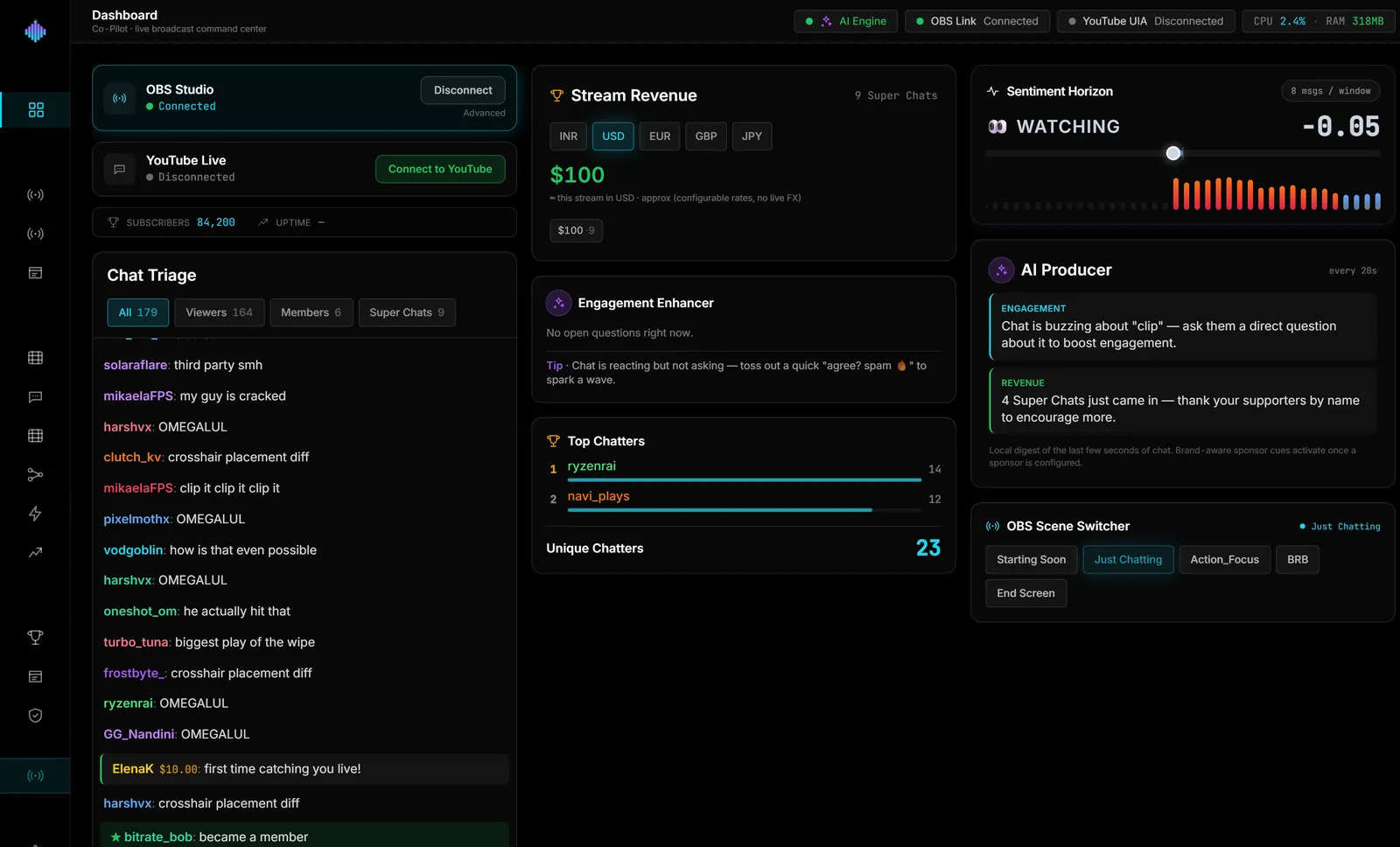
- A desktop app that archives chat by stream. streamerOS does this: it saves every YouTube and Twitch chat line to a local database on your PC, grouped by stream, so you can search by message or username, label streams, remove a single message and export a stream's chat as a file. Nothing is uploaded. It records from the moment it is running, so it cannot recover streams from before you started using it. It is a Windows app launching in February 2027 — the Chat Archive page has the details.
What to do with saved chat
Saved chat is more useful than it sounds:
- Find your best moments. Bursts of messages mark highlights; see how to find the best clips in your VODs.
- Answer questions you missed during a busy stream.
- Keep a record if someone breaks your channel's rules.
- Show sponsors engagement — messages per stream is a number brands like.
Frequently Asked Questions
Can I download YouTube live chat after the stream? Yes, from the stream's chat replay, as long as the video is still available and chat replay was on. A chat downloader exports it to a file.
How long does Twitch keep chat logs? Chat replay stays with the VOD, and VODs are kept for a limited time depending on your account. Once the VOD is gone, so is its chat replay — save it early.
Can I search old chat for one user's messages? In a saved file, yes — search it in any text editor or spreadsheet. A chat archive tool can filter by username directly.