Sentiment that reads Hinglish
“Bhai sahi hai” scores positive, “cringe yaar” mildly negative. The mood of your chat, from toxic to hype, as it happens.
Sentiment
For Indian streamers
streamerOS runs next to OBS on your own Windows PC. Chat sentiment that reads Hinglish, every Super Chat totalled in rupees, YouTube Live chat with no API key, and a local AI that answers from your stream. No account, and your chat never leaves your machine.
Free for 7 days at launch, then $29 once — not a subscription.
For when your chat switches between Hindi and English mid-sentence, your Super Chats arrive in more than one currency, and you would rather not fight the YouTube API just to read your own chat.
Your chat, read right
Sentiment Horizon scores Hinglish chat the way your viewers mean it, and the revenue panel does the currency maths. Both run on your PC.
Your rates: 1 USD ≈ ₹83 · 1 EUR ≈ ₹90 · 1 GBP ≈ ₹105. Set by you, no live FX lookup.
Illustrations with sample chat and numbers. Real captures of the app are further down.
No Google Cloud project, no key to paste in, no sign-in screen. streamerOS reads your chat locally, from the same browser window you already watch it in.
Chat is read from your own browser window on your PC. Nothing to set up in Google Cloud and no daily quota to run out of.
Add a YouTube Data API key only if you want your exact subscriber count. It is kept in Windows Credential Manager.
Twitch chat comes in over an anonymous, read-only connection — no login there either.
No account and no backend. Chat and audio are processed on your machine and never uploaded.
One honest limit: on very fast chats — big esports streams moving at 20+ messages a second — the browser reader may not capture every single message. Chat velocity and hype detection still work.
The actual app
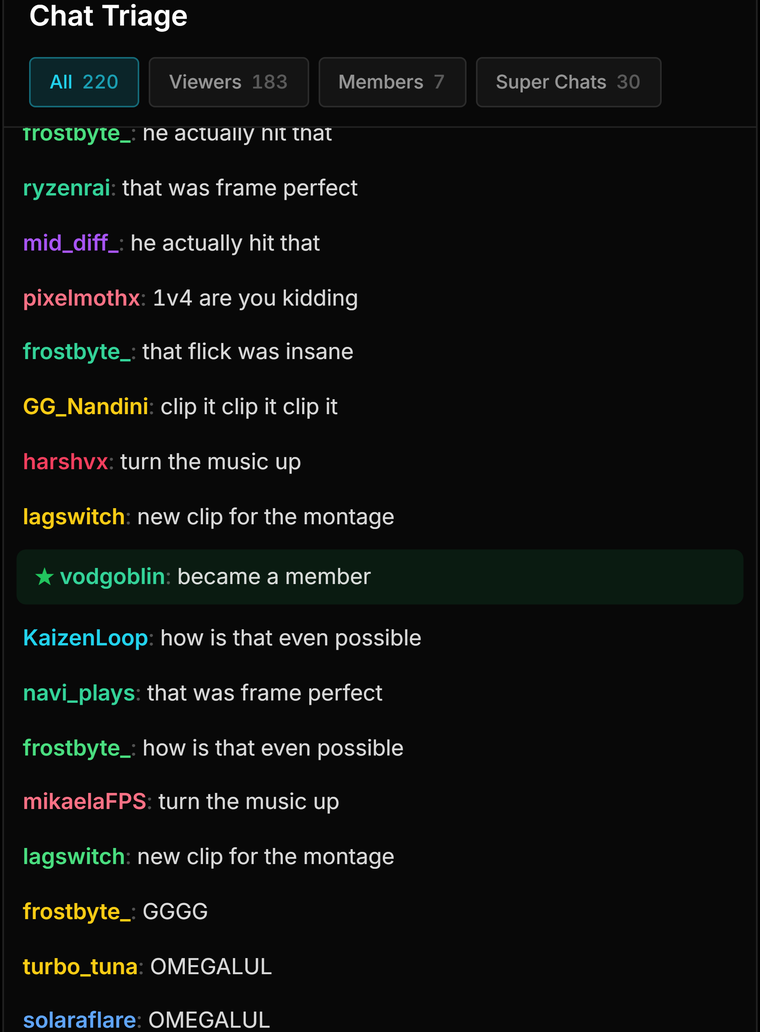
Captures of streamerOS running on Windows — the same build that ships in November.

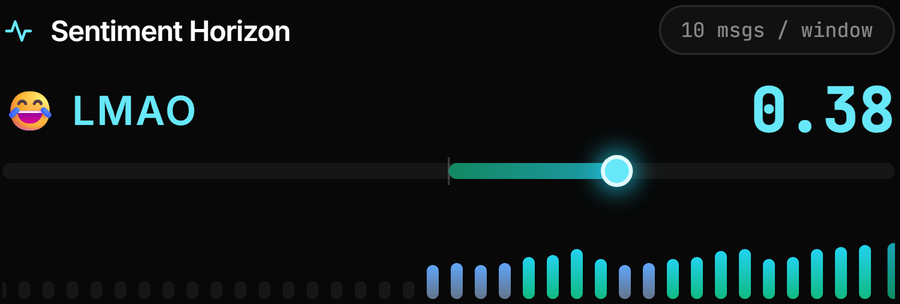
Its chat sentiment does. Sentiment Horizon’s local model is built to read Roman-script Hindi mixed with English, so “Bhai sahi hai” scores positive and “cringe yaar” mildly negative, and the mood reading follows what your viewers actually mean. The AI Sidekick currently replies in English, and Brand Guard — which listens to your mic — uses an English-focused speech model for now.
No. streamerOS reads your live chat locally from your own browser window, so there is no API key, no Google sign-in and no quota to run out of mid-stream. A YouTube Data API key is optional and adds exactly one thing: your exact subscriber count. If you add one, it is stored in Windows Credential Manager.
Yes. Twitch chat is read over an anonymous, read-only connection, so there is nothing to log into there either.
The licence is priced in US dollars: free for 7 days, then $29 once — not a subscription. There is no separate rupee price. Pre-register before the February 2027 launch and your trial runs 3 months instead of 7 days. The ₹ you see in the revenue panel is a display currency for your Super Chat totals, not the price of the app.
A Windows 10 or 11 PC with OBS Studio installed — streamerOS works alongside OBS rather than replacing it. We recommend 16 GB of RAM and an 8-core CPU, plus an RTX 3060-class GPU for the local AI features such as sentiment. There is no macOS or mobile version.
No. Foreground game detection covers PC games — Valorant, CS2, GTA V, Fortnite, Apex Legends, Minecraft and PUBG: Battlegrounds on PC among them. It does not detect BGMI or any mobile game. The chat features read your YouTube or Twitch chat rather than the game, and Viral Engine can write titles from a description you type instead of a detected game.
No. There is no account and no backend. Chat and audio are processed on your PC and never uploaded, and the Chat Archive lives on your own disk — search it, label it, export it, or delete it.
Not always. On very fast chats — big esports streams moving at 20 or more messages a second — the browser reader may not capture every single message. Chat velocity and hype detection still work at those speeds.
More questions answered on the full FAQ.
streamerOS ships in February 2027. Pre-register now and your trial runs three months instead of seven days — enough streams to know if it fits. After that it is $29 once, not a subscription.
Launching February 2027