Feature Guide
Your Stream. Your Data. Zero Cloud.
No accounts. No backend servers. Your chat, audio and stream history are processed and kept on your own PC — nothing is uploaded to us.
Built local-first, by architecture.
Every signal flows into your machine and stays there. The one path that would reach the cloud simply doesn’t exist.
Local Machine
Everything runs here
No account required
Download, launch, stream. There is no sign-up, no login, and no profile living on someone else’s server.
Credentials stay put
Twitch chat needs no login at all. A YouTube API key, if you add one, sits in Windows Credential Manager and is only ever sent to Google for your own channel stats. Your OBS password stays in memory and never leaves the PC.
Logs stay on disk
Chat history and audio are processed in memory and written only to your own drive. Nothing is uploaded, ever.
Frequently asked questions.
Does streamerOS require an account?
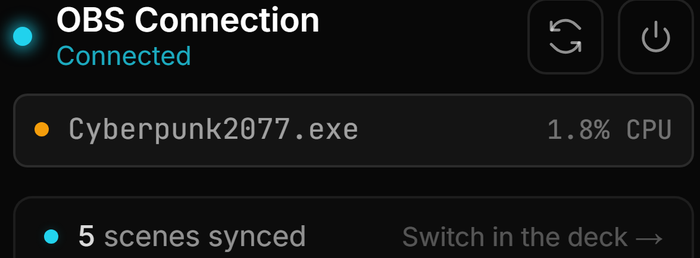
No. There is no account, no login, and no backend server. You install it, connect OBS Studio over a local WebSocket, and stream — nothing about your setup is registered anywhere. Even the licence key is verified offline on your PC.
What data leaves my machine?
None of your chat, audio or stream history is uploaded to us — there is no streamerOS server to upload it to. The app only reaches the network for things you switch on: reading Twitch chat anonymously, your own channel statistics if you add a YouTube API key, downloading local AI and speech models, Google Fonts for an overlay that uses one, a Discord webhook you set up, and opt-in update checks. The privacy policy lists each one.
Why does local-first matter for a streamer?
Two reasons: latency and privacy. Automation with no cloud round-trip fires scene switches the instant chat reacts, and chat logs that never sit on a third-party server cannot leak from one.
What keeps working with the network unplugged?
Everything that runs on your machine: OBS control and the Auto-Hype Director, the Clip Library and Chat Archive, the local AI sidekick once its model is downloaded, and your licence, which is verified offline. Reading live chat needs your stream to be online, of course.
Where is my data stored?
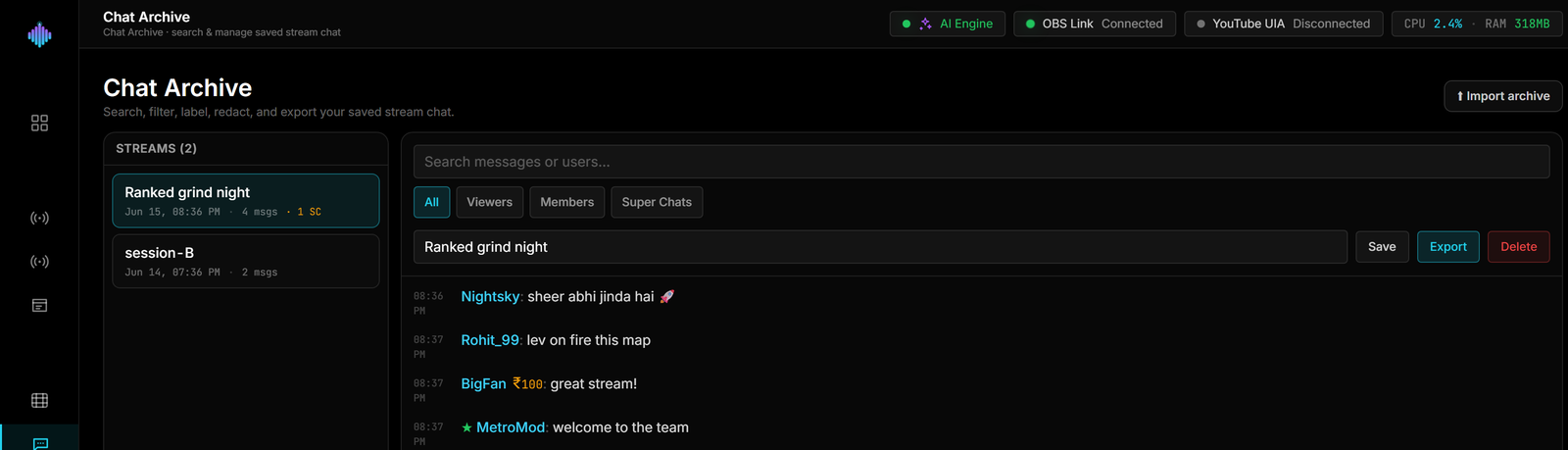
On your own drive — in the streamerOS data folder and a workspace folder you choose. There is no account, no server-side profile and no sync, which also means backups are yours to keep.
More questions answered on the full FAQ.
The actual app
Local-first, screen by screen.
Chat, clips and sponsor records — all of it held on your own disk.



Privacy you don’t have to configure.
streamerOS v1.0 is local-first out of the box, with nothing to opt out of. Free for 7 days, then $29 once.
Launching February 2027