For solo streamers
No mods, no producer, no second monitor full of tabs.
When you stream alone you are the talent and the production crew at once. streamerOS runs the production half: it watches chat, switches your scenes when the room reacts, and marks the moment so the clip is waiting when you stop.
The part nobody sees
A big channel has a moderator watching chat, someone clipping highlights and sometimes a producer switching scenes. Streaming solo, all of that is you — while you are also playing the game and holding a conversation.
So things get dropped. The Super Chat scrolls past during a fight. The funniest thing you did all month goes un-clipped because you were mid-sentence. You reach for a hotkey, miss, and the VOD has thirty seconds of the wrong scene.
streamerOS does not replace you talking to your chat. It takes the jobs that are really just watching for something and reacting — the ones a person should not have to do while playing.
Chat, sorted as it lands
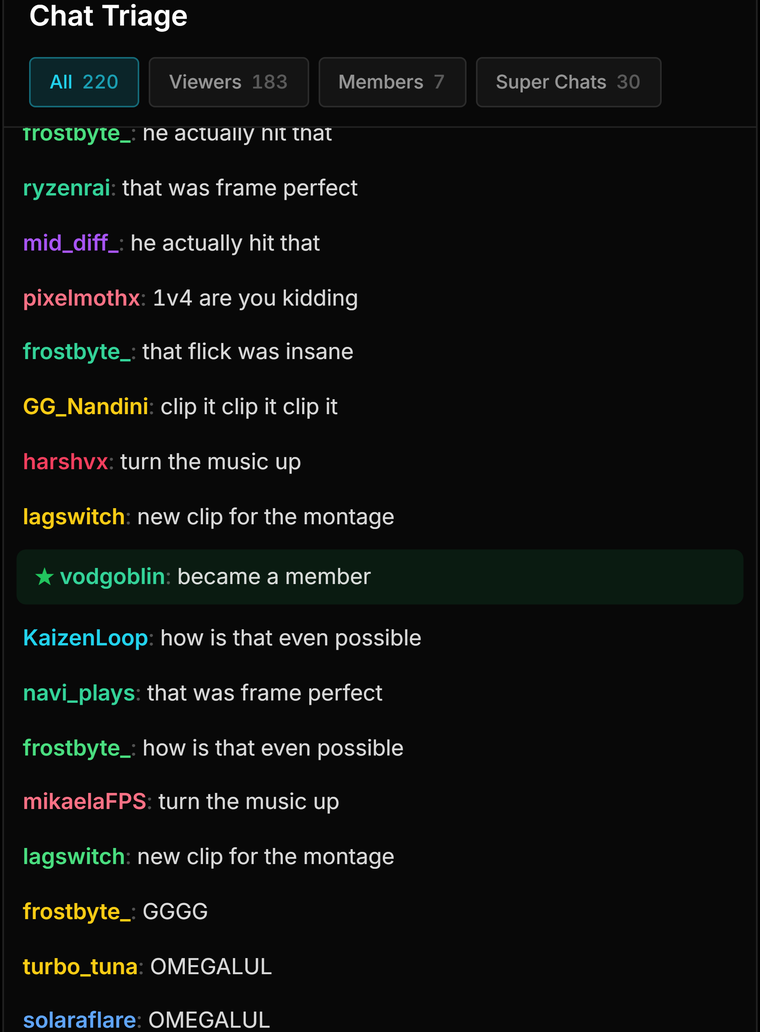
Super Chats, members, first-time chatters and the rest are tagged as they arrive, so what matters stays visible instead of scrolling away during a fight.
Scenes that switch themselves
Build a rule once: when chat velocity or a Super Chat crosses a number you set, switch the scene, play a sound or save the replay buffer. No hotkey to reach for.
Clips you did not have to catch
Hype spikes are marked against your channel baseline while you are live, and the Clip Library ranks your local recordings by what chat actually did.
Read the room without reading every line
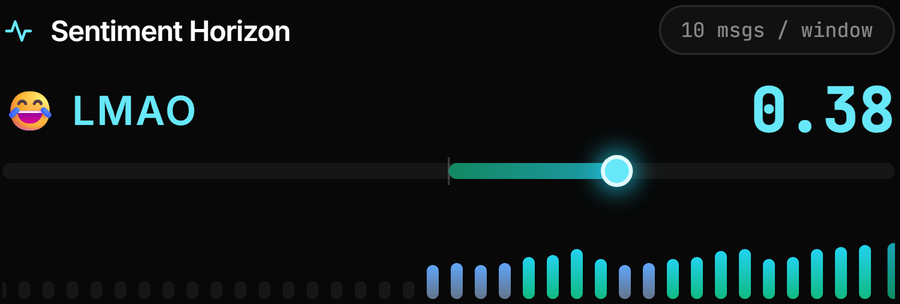
Sentiment Horizon scores the mood of chat on your own PC, so a glance tells you what a scroll would have.
The actual app
The cockpit a solo streamer watches
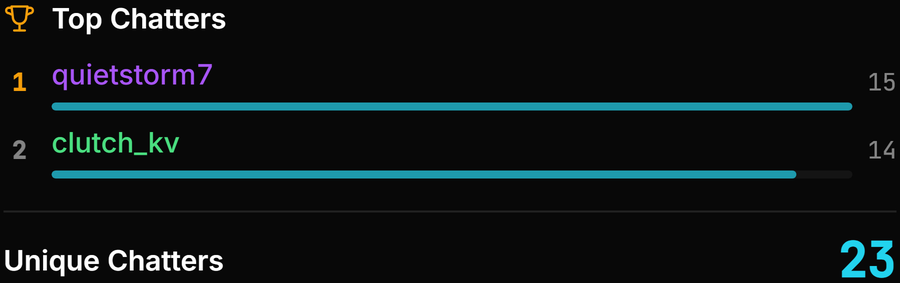
Real captures: chat triage, the automation canvas, and spikes marked live.



What it will not do for you
This is the part most pages leave out. streamerOS watches your chat — it does not participate in it:
- It is not a chat bot. It never posts messages, runs commands or replies to viewers. Its connection to Twitch chat is anonymous and read-only, which is also why it needs no credentials from you.
- It does not moderate. There are no timeouts, no bans, no auto-mod rules. If you need moderation while you stream alone, you still need a bot or a human — Streamer.bot is free and does this well.
- It does not handle alerts, tipping or donation overlays. Keep whatever you already use for those.
- It will not talk to your chat when you go quiet. Nothing here fills a silence for you.
- Windows only, and not released until February 2027.
The trust page carries the rest of the caveats, including what cannot be verified before launch, and the comparisons say where a free alternative is the better answer.
Frequently asked questions.
Does streamerOS moderate my chat or ban people?
No. It reads chat and never writes to it — no timeouts, no bans, no commands, no replies. Its Twitch connection is anonymous and read-only, so it holds no credentials that could act as you. For moderation you still want a bot like Streamer.bot or a human moderator.
Can it replace a moderator?
For the watching part, largely yes: it tags Super Chats, members and first-time chatters as they arrive and scores the mood of the room, so you are not scrolling to find what matters. For the acting part — removing a message, timing someone out, answering a question — no. That still needs a person or a bot.
How does it know when to switch a scene?
You decide. A trigger node compares chat velocity in messages per second, or Super Chats, against a threshold you set, and connects to an action: switch the OBS scene, play a sound, change the overlay mood, mute an input, save the replay buffer or post to your own Discord webhook. Viral Moments shows your channel’s normal pace so you can pick a sensible number.
I already use Streamer.bot. Is this a replacement?
Not really — they do different jobs and run happily side by side. Streamer.bot is the better automation toolkit and it can post in chat. streamerOS is the cockpit: sentiment, revenue, hype spikes, clip ranking and a searchable archive, assembled rather than built. There is a full comparison on this site.
More questions answered on the full FAQ.
Hand the production half over
streamerOS v1.0 arrives in February 2027 for Windows 10 and 11.
Pre-register and your trial is 3 months instead of 7 days