Feature Guide
Zero Impact. Maximum Hype.
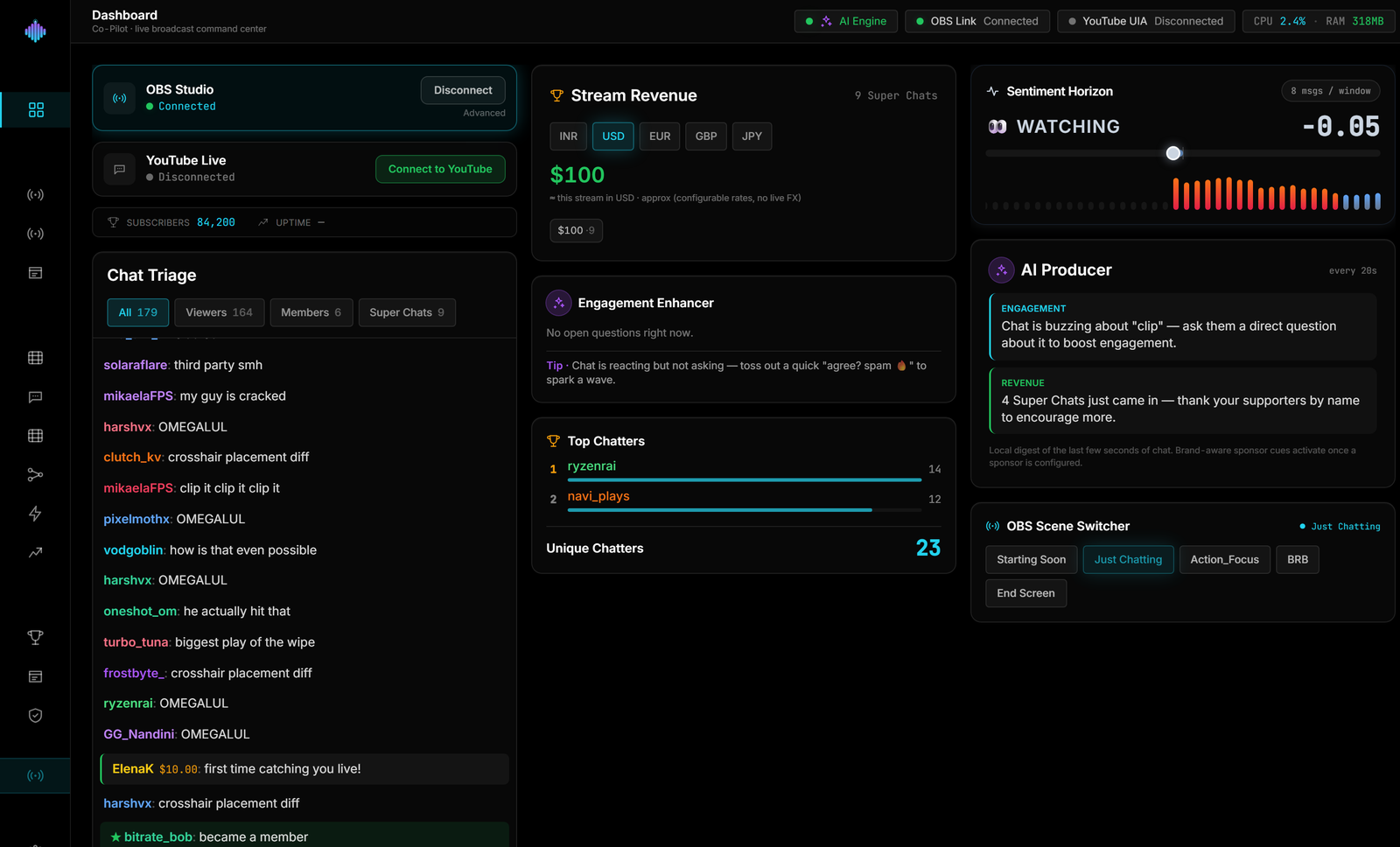
Powered by Rust and Tauri, streamerOS runs a 1.8% CPU footprint under a live 1080p60 game. Save your frames for the stream.
See where your CPU actually goes.
Your game and OBS do the heavy lifting. streamerOS is the thin cyan sliver — automation that costs you almost nothing.
1.8%
CPU under load
Measured while capturing a live 1080p60 game — not an idle benchmark. The cockpit stays out of the way of your frames.
152 MB
Resident memory
The entire broadcast control surface fits in roughly the memory of a single browser tab. No Chromium, no bloat.
Rust + Tauri
Native core
A compiled Rust engine in a lightweight Tauri shell — no Electron runtime tax, so the GPU and CPU headroom belong to your game.
Frequently asked questions.
How much CPU does streamerOS use while streaming?
streamerOS holds a 1.8% CPU footprint profiled under a live 1080p60 game. The core is written in Rust with a Tauri shell — monitoring, automation, and telemetry all fit in that sliver.
Will streamerOS steal frames from my game or OBS?
No. It is built to yield spare cycles to your game and encoder — your frames stay with the game and the stream, not the tooling. That is the whole design constraint behind the Rust core.
What are the minimum system requirements?
Windows 10 or 11 (64-bit), 16 GB of RAM, and an 8-core CPU. The automation core is featherweight; the headroom mainly gives the optional on-device AI features room to run comfortably alongside your game and OBS Studio.
Why is streamerOS Windows-only right now?
It integrates deeply with the Windows audio subsystem and DirectX to keep the footprint tiny and the telemetry accurate under a live game. macOS and Linux are on the roadmap, but out of scope for v1.0.
What makes it lighter than other stream tools?
There is no bundled browser engine. The core is Rust on a Tauri shell, so the app is a native process rather than a Chromium instance with a UI drawn inside it. Chat parsing, velocity and sentiment scoring all run in Rust off the UI thread, and events cross to the interface as batched MessagePack rather than a JSON message per event.
Is 1.8% CPU measured or estimated?
Measured under a live 1080p60 game with OBS encoding, which is the only condition that matters. An idle desktop number would be meaningless — every tool looks light with nothing else running.
More questions answered on the full FAQ.
The actual app
The whole cockpit, and what it costs.
Everything running at once, with the CPU and RAM figures in frame.


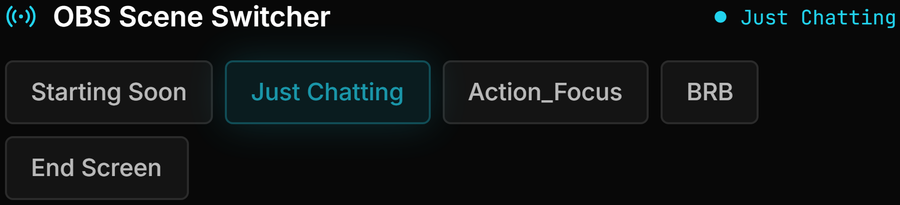
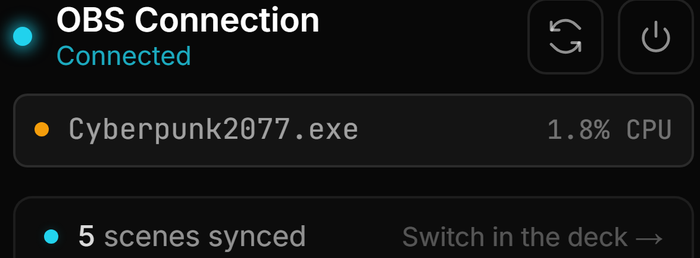

Light enough to forget it’s running.
streamerOS v1.0 is a full broadcast cockpit at a 1.8% CPU footprint. Free for 7 days, then $29 once.
Launching February 2027