Feature Guide
Never miss the moment again.
streamerOS watches your chat velocity live, bookmarks every hype spike the instant it happens, and hands your editor a timestamped CSV — so you never rewatch the whole stream hunting for clips again.
From live chat to clip list in three steps.
Connect → auto-mark → export. Raw chat text never leaves the detector — only the velocity signal and trending-keyword histograms cross the internal boundary.
Step 1 · Connect
Connect your live chat.
Point streamerOS at your stream and it starts reading chat in real time — YouTube live chat through a local window scraper, and Twitch straight over IRC. Both feeds fold into a single velocity signal the moment they're live.
Chat sources
YouTube Live
window scraper
Twitch
IRC
Step 2 · Auto-mark
It auto-marks every hype spike.
streamerOS tracks messages per second continuously. When velocity spikes past the trend, it drops a session marker on that exact timestamp automatically — no hotkey, no watching a dashboard. Every eruption gets bookmarked the instant it happens.
Live chat velocity
58msgs/s
threshold 40 / s
Step 3 · Export
Export your markers to CSV.
When the stream wraps, list the whole session's markers and export them to a CSV in one click. Every timestamp and its peak velocity lands in a file your editor can open straight in the timeline — no rewatching required.
Session markers
Export CSV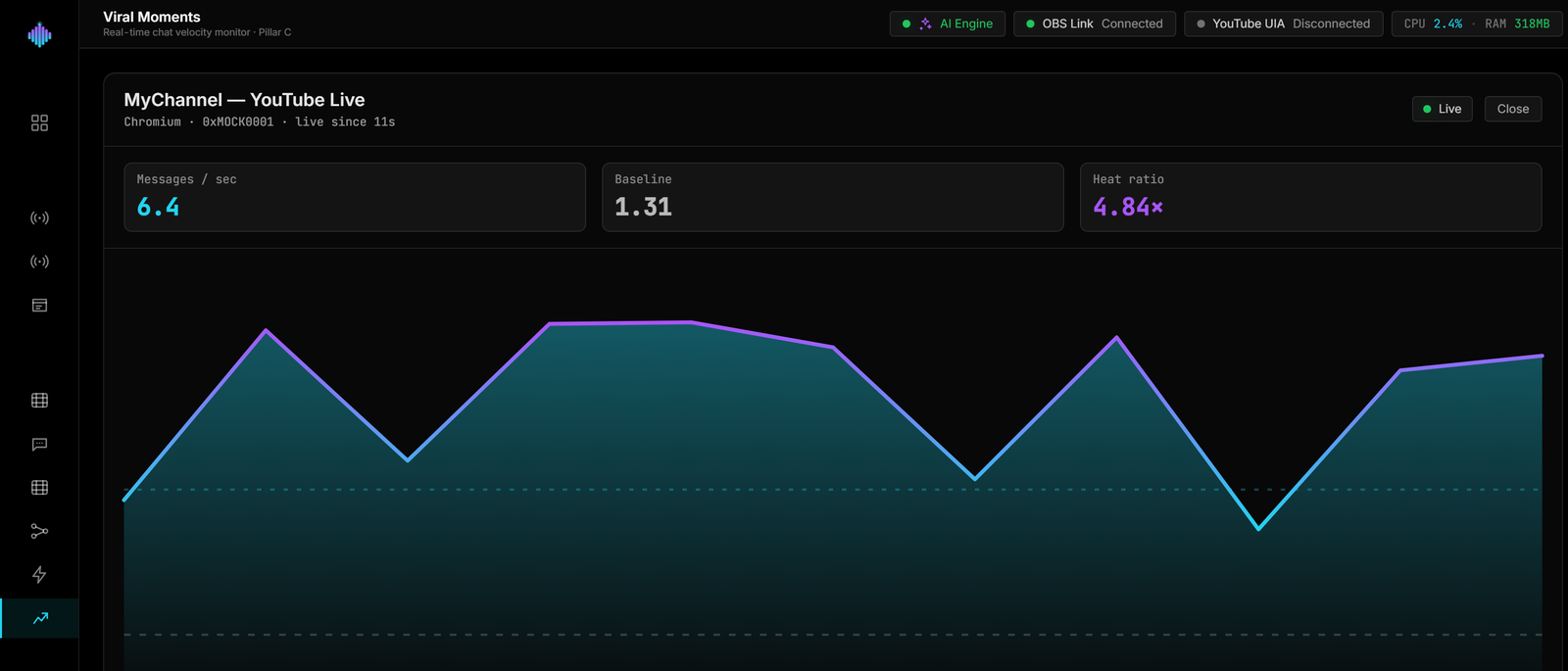
Frequently asked questions.
How does streamerOS detect a viral moment while I am live?
It watches your chat velocity in real time and auto-marks every hype spike with a timestamp the moment it happens. You keep playing; the marker is already placed by the time chat calms down.
How do I get the markers into my video editor?
Export them to CSV. Every marked spike carries its timestamp, so you or your editor can jump straight to the clip-worthy moments in the VOD instead of rewatching the whole broadcast.
How is this different from the Clip Library?
Viral Moments works live: it marks spikes during the broadcast. The Clip Library works after: it scores your recorded VODs by hype so the best segments rank themselves. Together they mean no clip-worthy moment is ever lost.
Does moment detection need an internet service?
No. The detector runs locally on your machine, reading the public chat of your own channel. streamerOS is zero-cloud — nothing about your stream is sent to a backend.
How fast does it detect a moment?
Chat reacts within about a second of anything worth clipping, and the marker is written as the spike is detected — while you are still playing. Nothing is analysed after the fact, and no video is processed, which is why it costs almost nothing to run.
What do I get at the end of a stream?
A list of timestamped markers, exportable as CSV, that your editor can jump straight to — or that Shorts Factory can use to crop the moment into a vertical 9:16 clip inside streamerOS.
More questions answered on the full FAQ.
The actual app
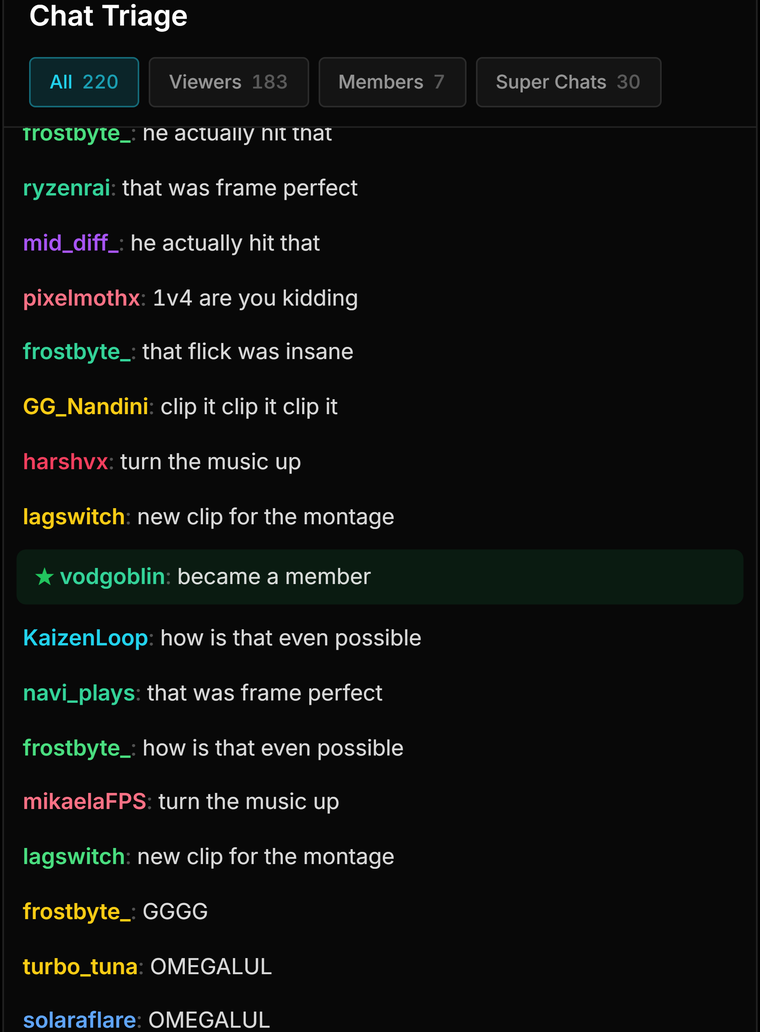
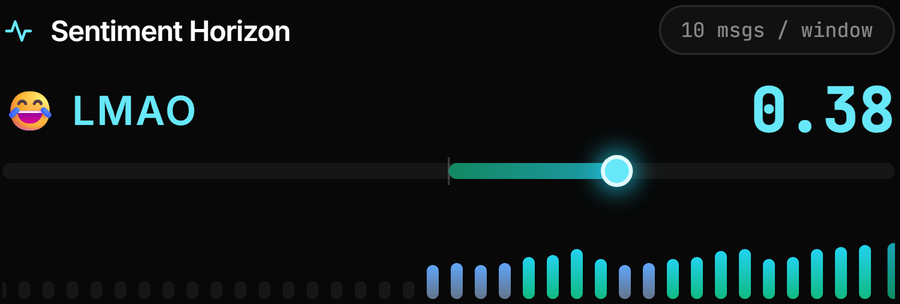
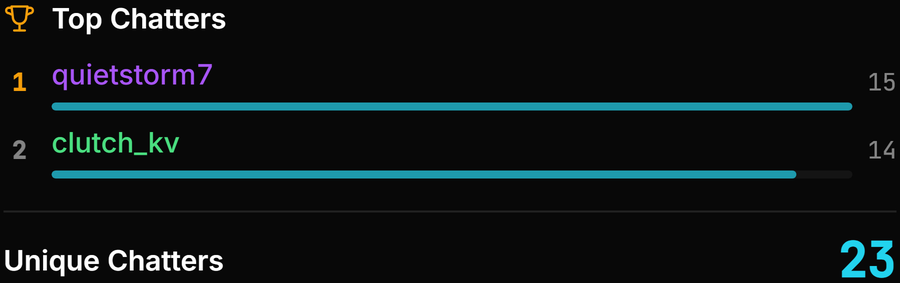
Every signal behind a hype spike.
Velocity, sentiment and the chat traffic the two are measured from.

Catch every clip on your own machine.
Viral Moments ships in streamerOS v1.0 — reading chat locally, privacy-preserving by design, and available right now.
Launching February 2027