Sponsorship · Monetization · Twitch · YouTube
Companies that sponsor small streamers: list + method
By Yaseen Khatib · October 29, 2026
Yes—many companies sponsor small streamers. The fastest path is to pitch brands already selling to your exact audience: peripherals, PC parts, games in your genre, creator tools, food delivery, and VPNs. Below you’ll find a practical list by category and a method any channel can run to find dozens more, plus the OBS setup and free tools you need so a sponsor can say yes with confidence.
The method that works for everyone (do this first)
- Make your stream sponsor-ready
- Keep audio clean and consistent: use a noise gate, compressor, and limiter so speech is clear and never clips. Aim for steady loudness and intelligible comms over raw volume.
- Record a local high-quality VOD every stream. Sponsors often ask for proof and clips; recording locally gives you clean, re-usable footage.
- Create a reusable “sponsor read” scene: a camera + product shot + a short on-screen bullet of the key benefit and your code/URL. Keep it 20–40 seconds.
- Keep overlays readable. Busy overlays hurt sponsored segments. Ensure your lower-third for sponsor reads is legible at phone size.
- OBS quick setup: use your GPU encoder if available, a bitrate appropriate for your platform, and keep CPU usage modest so your stream stays stable during reads. If you want exact dials and proven profiles, see Best OBS Settings for Low‑CPU Streaming (/blog/best-obs-settings-for-low-cpu-streaming).
- Build proof before you pitch
- Clip 2–3 highlights a week that show viewers reacting. Put them in a short playlist titled “Live Reactions & Moments.”
- Track simple metrics over the last 30–60 days: average concurrent viewers, chat messages per stream, click‑through on links you control (use a short URL with analytics), and geography if relevant to the brand.
- Package it once into a one‑page media kit with your hook, audience, and example deliverables. If you need a walkthrough and template, see Streamer Media Kit: Free Template, Examples and Tips (/blog/how-to-make-a-streamer-media-kit).
- Prospect, filter, and pitch
- Start with brands your viewers already ask about: “What mic is that?”, “Which keycaps?” That’s your best-fit list.
- Find programs fast: search a brand’s site and socials for “creator,” “affiliate,” or “sponsorship.” Look for a posted creator email or form.
- Filter to those that: a) sell to your audience; b) have a way to track performance (codes/links); c) already work with creators in your size range.
- Pitch one specific deliverable that makes sense for your format: “One live 30s read + pinned panel for 30 days + 2 clips.” Keep the ask simple and priced. For pricing ranges and how to justify them, use How Much to Charge for a Stream Sponsorship (/blog/how-much-to-charge-for-stream-sponsorships).
- Run clean campaigns and report back
- Do the deliverables early in the month. Pin the link/code where it’s actually seen (about panel, stream description, chatbot command if you use one).
- After the campaign, send a simple results email: impressions, clicks/sales if you have them, and 2–3 links to VOD moments where the brand was featured.
- Keep a basic pipeline of leads and statuses so you follow up on time. If you want a deeper system, we cover it here: How to Track Sponsor Deals as a Streamer (/blog/how-to-track-sponsor-deals-as-a-streamer).
Companies that sponsor small streamers
You don’t need a 1,000‑brand directory. You need the right 20–40 targets that already buy the kind of content you make. Use this category map to build that list fast, then validate each brand’s current program on their site.
Gaming and creator gear
- What they buy: On‑stream reads, panels, giveaway integrations, long‑term ambassadorships.
- Who fits: Tech talkers, setup/desk content, shooter/competitive streamers, sim racers, keyboard hobbyists.
- Where to look: Keyboard/switch brands, mouse/mat makers, capture cards, webcams, lighting, chairs.
PC parts and accessories
- What they buy: Build showcases, sponsored streams around launches, affiliate‑plus bonuses.
- Who fits: Builders, modders, overclockers, cozy build streams, maintenance/repair niches.
- Where to look: SSDs, RAM, coolers, fans, PSUs, cases, prebuilt boutiques.
Game publishers and devs
- What they buy: Launch‑week missions, preview keys, paid hours with clear talking points.
- Who fits: Variety streamers, genre specialists (roguelikes, MMOs, tactics, survival), speedrunners.
- Where to look: Indie publishers in your genre, live‑ops titles with frequent updates.
Energy, hydration, and snacks
- What they buy: Long‑form reads, panel links, bundle codes, seasonal pushes.
- Who fits: Longer streams, subathons, charity marathons, fitness/gaming crossover.
- Where to look: Hydration mixes, coffee roasters, gamer‑friendly snacks.
Software and creator tools
- What they buy: Tutorials, how‑I‑stream segments, pinned panels with codes.
- Who fits: Educational streamers, tech explainers, VTubers, art and music creators.
- Where to look: Editing tools, plugins, asset stores, graphics packs.
Services with broad appeal
- What they buy: Clear CPA or hybrid deals; sometimes flat fee for tentpoles.
- Who fits: Streams with adult audiences who convert on practical services.
- Where to look: Meal kits, VPNs, password/security tools, finance/wallet apps.
Local and niche brands
- What they buy: Hyper‑relevant packages: “Tournament presented by…”, store‑credit + fee.
- Who fits: Esports clubs, university scenes, regional languages, IRL categories.
- Where to look: Gaming cafes, PC shops, local food spots that deliver.
Pro tip: Start with 3–5 categories that overlap your content. For each, write down the 5 brands you or your chat already mention. That’s 15–25 warm prospects with built‑in fit.
Deal types you’ll see (and how to choose)
| Deal type | When to use it | Risk/Reward |
|---|---|---|
| Affiliate only (code/link) | Evergreen, low‑lift products; early relationships | Low risk to brand, volatile income for you |
| Flat fee | Launches, time‑boxed reads, when you need guaranteed pay | Stable for you; brand carries performance risk |
| Hybrid (flat + code/CPA) | Most common win‑win for small streamers | Some stability + upside if your audience converts |
| In‑kind + small fee | Local/niche; test campaigns | Good starter; convert to paid if results are solid |
Rule of thumb: if a brand asks for specific deliverables on specific dates, anchor with a flat fee (then add a performance kicker). If it’s evergreen discovery, affiliates can work—just set a clear review date to move to hybrid once you’ve proven sales.
Outreach that gets replies
- Subject: “Creator in [your niche]: [1 clear deliverable] for [month]”
- 3 sentences: who you reach, what you’ll do, when you’ll do it.
- One link to your media kit and one link to a VOD timestamp with live reactions.
- One price or two options—keep it simple.
- Close with an easy next step: “If this fits your Q4 push, can I lock [date] on your calendar?”
We already published deeper scripts and negotiation tactics here: Sponsors for Small Streamers: Get Them at 20 Viewers (/blog/sponsors-for-small-streamers). Use this post for targeting; use that one for messaging and timing.
Free tools that cover 90% of the job
- OBS Studio for streaming and recording local VODs.
- A spreadsheet or kanban board to track prospects, contacts, status, deliverables, and results.
- A link shortener with basic click analytics so you can prove performance.
- Your existing social analytics exports to fill a one‑page media kit (audience, top countries, age ranges, stream schedule). If you need a hand, start here: Streamer Media Kit: Free Template, Examples and Tips (/blog/how-to-make-a-streamer-media-kit).
How this ties to your OBS setup (quick checklist)
- Stability over max quality. A sponsor would rather see a clean, uninterrupted stream than risky settings that drop frames.
- Always record a local copy; verify disk space before you go live.
- Create a “sponsor read” scene once and reuse it. Test transitions so it doesn’t clip your mic or music.
- Keep your alerts and TTS under control during reads. Mute or duck them for 40 seconds so the call‑to‑action is clear.
- If you want a proven baseline with low CPU that still looks good, use Best OBS Settings for Low‑CPU Streaming (/blog/best-obs-settings-for-low-cpu-streaming) and adjust bitrate for your platform.
One tool section: how streamerOS helps with sponsors
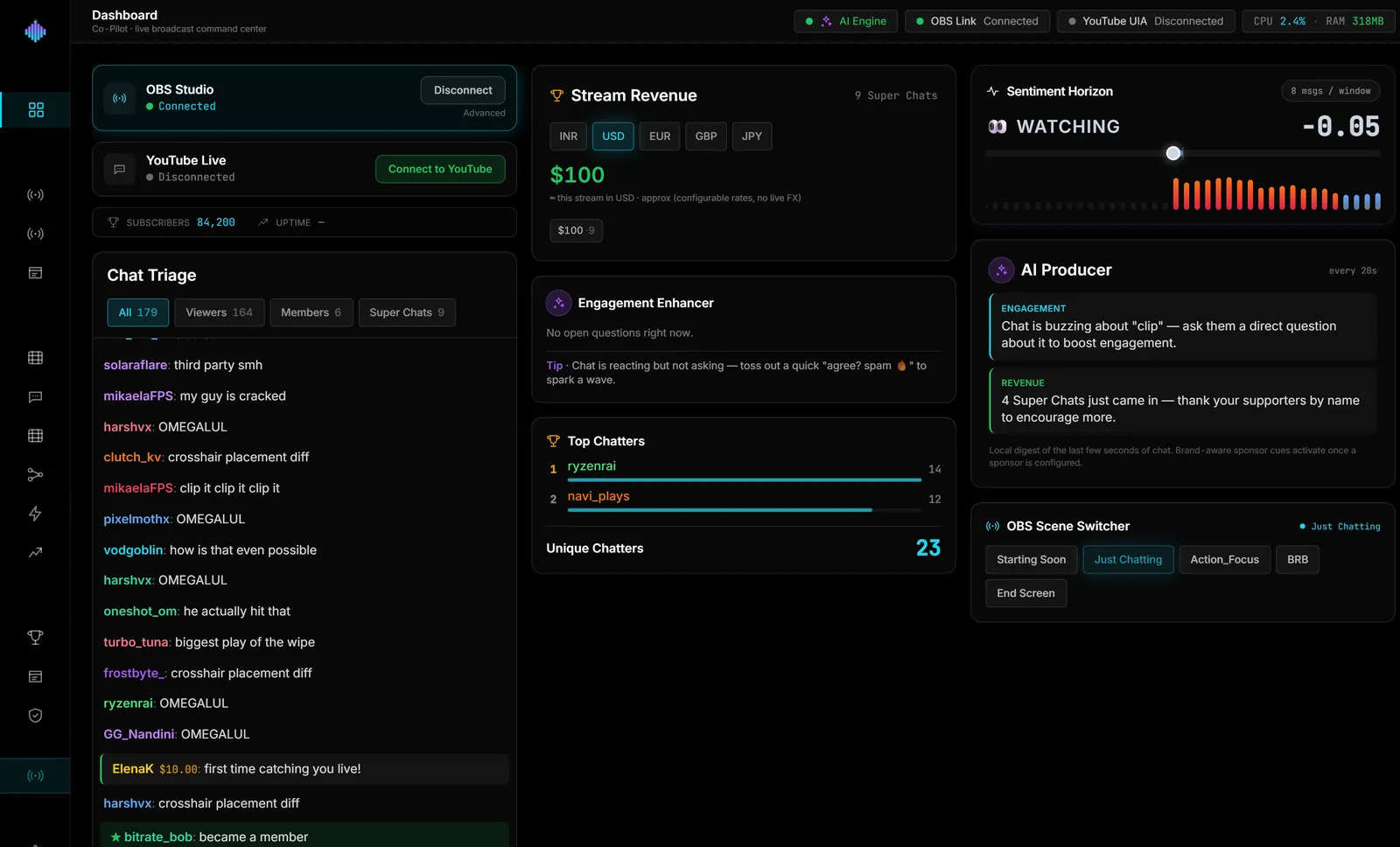
streamerOS includes two features tailored to this job: a Sponsor CRM to track prospects, status, deal value and notes on your PC, and a Media Kit Generator that imports your YouTube and Twitch analytics exports to build a sponsor‑ready PDF you save locally. It runs on Windows 10/11, sits next to OBS, and reads your Twitch/YouTube chat locally but never posts to it. After the free trial, the licence is $29 once; no subscription. It launches February 2027. Limits: Windows only; local data; chat is read‑only; it does not upload or post Shorts. See a live demo in your browser (nothing to install): https://demo.streamerosai.com. Founding members—anyone who pre‑registers at pre-register before launch—get the beta first.
Frequently Asked Questions
Do companies really sponsor streamers under 100 CCV? Yes—especially niche brands and indie publishers that care about fit over size. Your proof is clear deliverables, clean execution, and a short results recap.
Should I accept affiliate‑only to start? It’s fine for testing fit, but set a review date. If you show clicks or sales, move to a hybrid or flat‑fee package so your time is covered.
What metrics matter most when you’re small? Consistency (streams per week), audience fit, chat engagement, and a trackable call‑to‑action. Quality clips and a one‑page kit help close the gap in raw size.