Guides · OBS Studio · Performance · Optimization
OBS High CPU Usage? Check the Apps Around It, Like My Chat Reader
By Yaseen Khatib · November 4, 2026
Short answer: When OBS shows high CPU usage, the encoder is not always the cause. Apps running beside it, such as chat readers, overlays and dashboards, can burn CPU in proportion to how busy your chat is. Test with chat moving fast, sort Task Manager by CPU, and sample suspects once a second before you change a single OBS setting.
Ten minutes behind
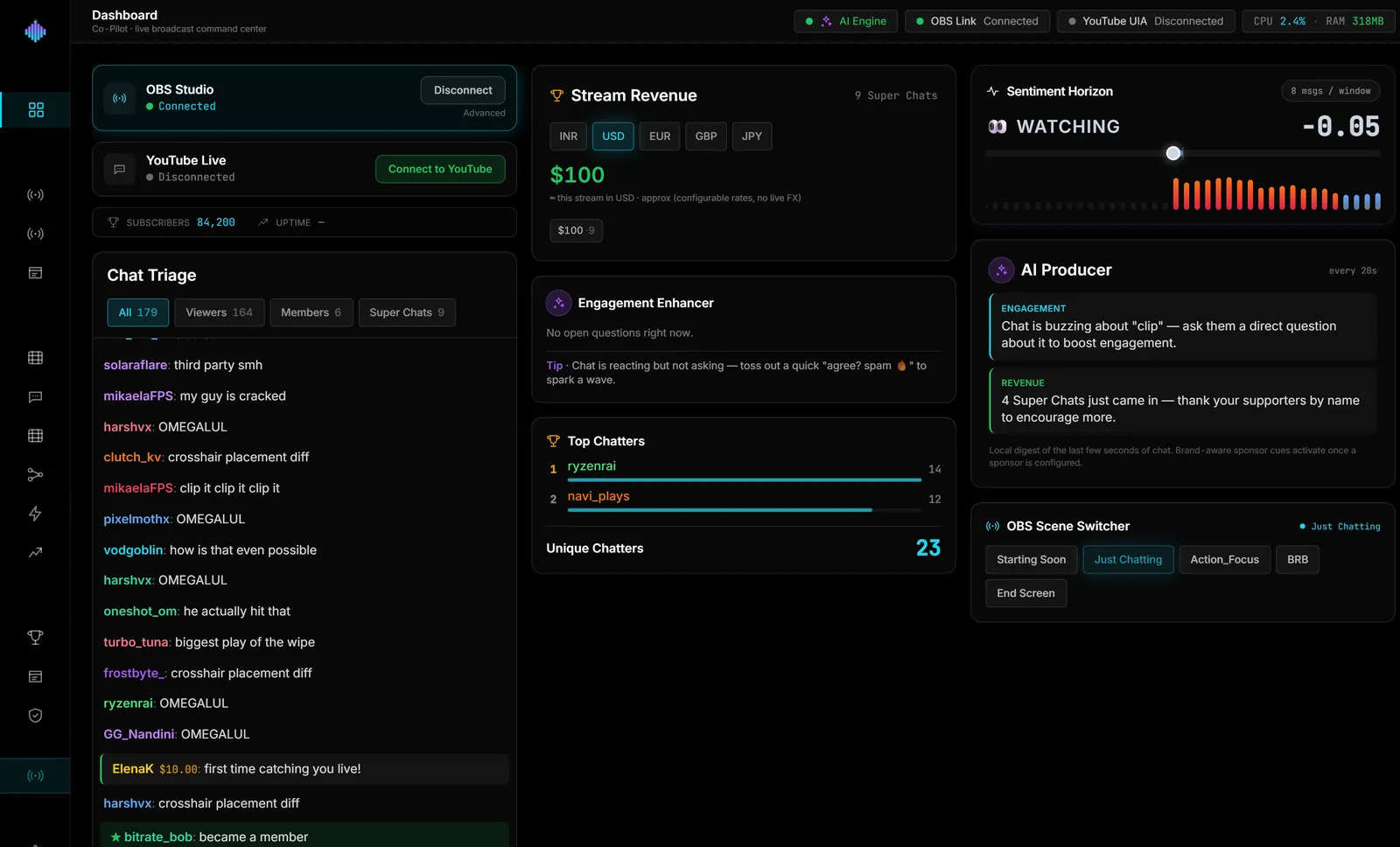
On 21 June 2026 I ran streamerOS against a fast YouTube live chat and watched it fall behind. By the end of the run the chat view was ten minutes late, and the part of the app that reads the chat window kept disconnecting and reconnecting, missing data each time.
streamerOS is a Windows companion app for streamers, and reading chat is the job it exists to do. A chat reader that lags a fast chat by ten minutes is not a reader. So I stopped adding features and went looking for the cause.
I need to be clear about the scope of this story. What I measured was my own app, on a development machine, not OBS. I do not have a measurement showing OBS dropping frames because of this. What I do have is a clean example of a pattern that applies to every always-on program next to OBS: its cost can scale with chat volume, and an idle test will never show it.
What was actually wrong
The commit message I wrote that day lays the cause out in two parts. Both are the same mistake, repeated once per chat message.
On the back end, every chat message was written to the local archive with its own database insert on its own blocking task. That had crept in when I added the chat archive. One message, one write, one task. In a quiet chat, nothing. In a fast one, a storm.
On the front end, the cockpit re-rendered its chat list once per message. A fast chat meant a screen redraw for every line.
Together, per my commit notes, these pegged the main thread and the pool of blocking tasks. The scraper that reads the chat window got starved of CPU time, which caused the disconnects and the missing data, and the lag compounded over the length of the stream.
That is the nasty part of this class of bug. Nothing looks wrong at idle. The cost grows with chat speed, and chat speed is highest at exactly the moments you most want the PC to behave.
The second slowdown I found the same day
Reading the same run, I found reads of the chat window stalling for up to seven seconds. The measured culprit was a re-resolve step: handle retries that could sleep for up to 1.5 seconds, plus a search through up to 4,096 elements of the page with no time limit. I capped it: fewer, shorter retries, a 700 millisecond time budget for the search and a smaller element cap of 2,048. My commit says it brings the common stall from about seven seconds toward about one, and that a single blocking call can still occasionally stall. I wrote "interim" on that fix, because the proper cure is a different way of reading the chat, and I am not done.
The turning point: batch the work
The fix for the main problem was to stop treating every message as an event worth its own work. On the back end, messages now go into a queue and a drain task writes a whole burst in one transaction. On the front end, incoming messages are buffered and flushed about four times a second, so the screen updates four times a second regardless of how many lines arrived.
The same idea applies to you, even if you never write code: a good always-on tool does its work per second, not per message. If a tool you run next to OBS redraws on every chat line, it will be the first thing to hurt on a busy night.
I also added a sampler to my diagnostics that records the app's CPU and memory every five seconds, so a twenty-minute live run can be analysed after the fact instead of watched nervously.
How to audit the apps around OBS
- Reproduce the busy case. Test with chat moving fast, a raid, a hype train, a giveaway. If you cannot get real chat, a second account posting rapidly is a rough substitute.
- Find the biggest spenders. Open Task Manager, go to the Details tab, and sort by CPU. Browsers with several tabs open (chat popouts, dashboards) often hold more than you expect.
- Sample, do not eyeball. Averages hide bursts. In PowerShell,
Get-Counter '\Process(name)\% Processor Time' -SampleInterval 1 -MaxSamples 20gives you twenty one-second readings for a process, with the name written without.exe. A reading can exceed 100%, since the counter adds up cores. - Close things one at a time and watch OBS's CPU number in the status bar and the Stats dock.
- Only then touch OBS settings. If the encoder really is the problem, our guides on the CPU usage preset and low-CPU OBS settings cover it.
If OBS shows the warning about encoding being overloaded, this fix guide tells you which counter to read. And if frames are dropping, the dropped frames story shows the sampling method in use.
What I would do again
- Test every companion app with chat at its fastest, not at idle.
- Sort Task Manager by CPU before you reach for the encoder dropdown.
- Sample at one second to catch bursts that averages hide.
- Prefer tools that batch updates to ones that react to each message.
- Log CPU and memory during a long run. Twenty minutes of data beat a gut feeling.
- Fix the cause, not the symptom. Capping the stall made it better; batching the work made it right.
streamerOS reads one chat source at a time, on your machine, and launches in February 2027. The signup box below is the pre-registration list, and the performance page states the CPU figures I am willing to publish.
Frequently asked questions
Why is OBS using so much CPU? Often the encoder: software x264 at a heavy preset. But other programs next to OBS can take CPU too, so check Task Manager before changing encoder settings.
Can a busy chat slow down my stream? A tool that reads or displays chat can, if it does work per message. I saw this in my own app. I have no measurement of the effect on OBS frames.
How do I check what is using my CPU while streaming? Task Manager's Details tab sorted by CPU for a quick look, and a one-second counter sample in PowerShell for bursts.
Should I use a chat dock or a browser popout? I have no benchmark comparing them, so I will not pick for you. Measure both with a busy chat and keep the cheaper one.